Dashboard
After you log in as a user, you are prompted to enter to the dashboard. Your username will be shown to represent your session.
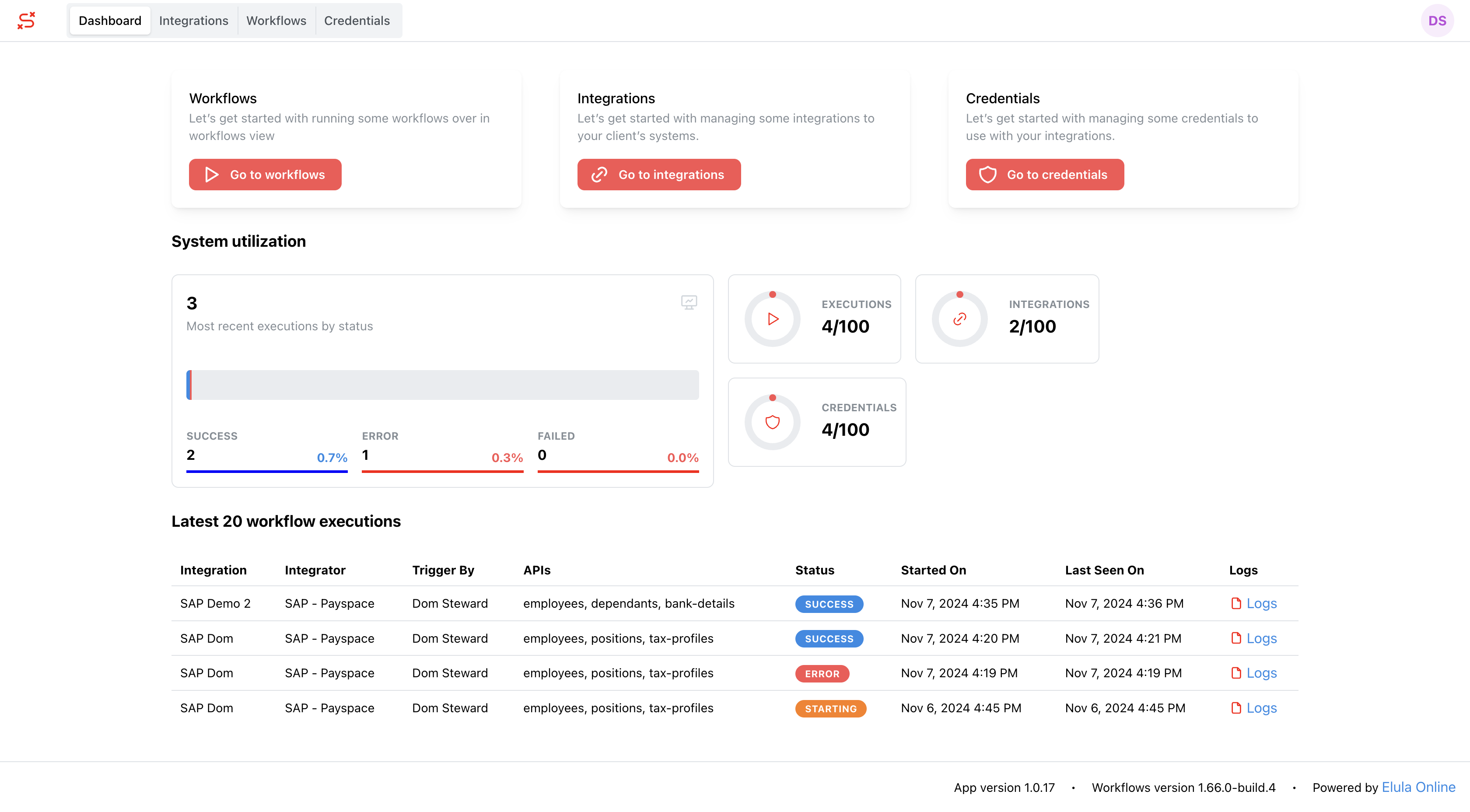
User Dashboard
The User Dashboard is tailored for individual users, providing a streamlined interface for accessing personal workflows, integrations, and credentials.
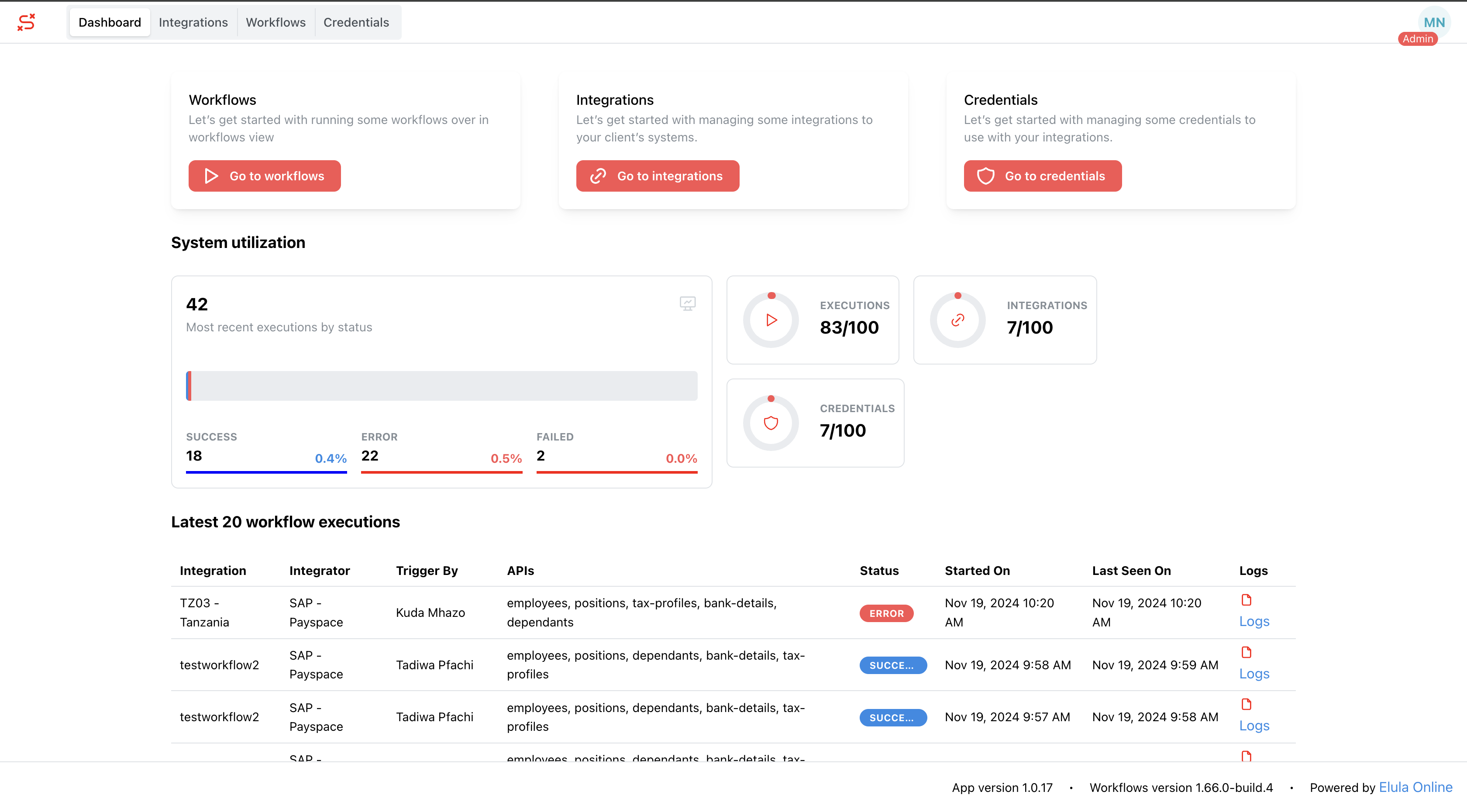
Admin Dashboard
The Admin Dashboard offers additional functionality, including tools for managing users and overseeing integrations.
Convenient Navigation
The dashboard is designed with efficiency in mind, offering quick access to the most important features:
Top Navigation
At the top of the dashboard, you’ll find tabs that give you direct access to key sections:
- Workflows
- Integrations
- Credentials
Right-Side Actions
On the right-hand side, you’ll find two essential buttons:
- View Profile: Quickly access and review your profile details.
- Edit Widget: Customize your dashboard by selecting or modifying the widgets displayed, making it truly your own.
Maximizing Your Dashboard Experience
Your dashboard is more than just a landing page—it’s a tool for productivity and organization:
- Streamlined Access: Navigate seamlessly to workflows, integrations, and settings without the hassle of searching.
- User-Centric Design: Enjoy a layout designed to save time and keep your tasks organized.
Take full advantage of your dashboard and make it your go-to control center for everything Axiomatic.